USAG AcroDevelopment Program · Levels 7 & 8
USAG Acro Development Program · 2025–2028

Build a routine

Choose a level or load a saved tariff sheet.

Choose a level

Level 7 · Women’s Pair

Routine sheet

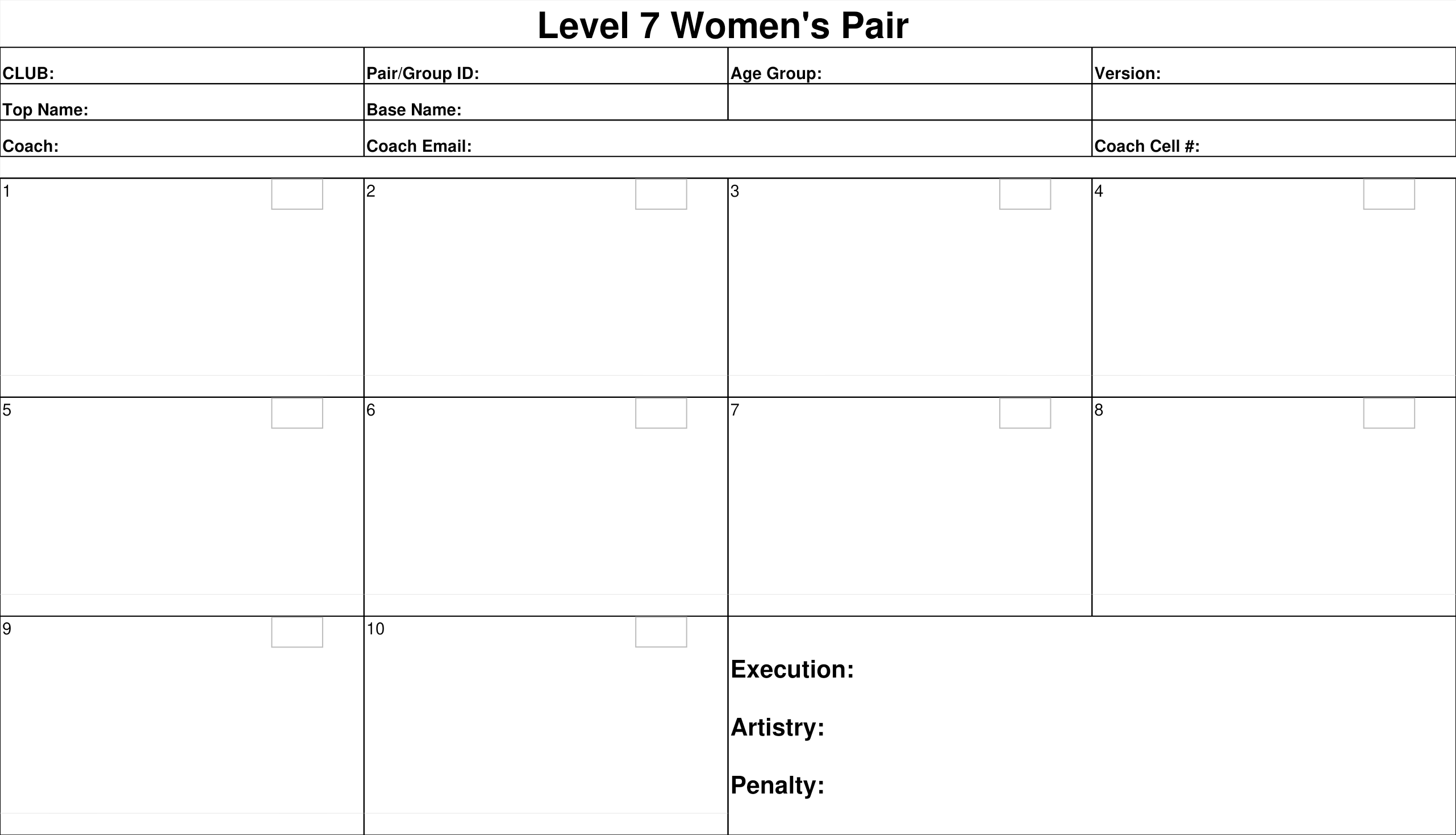
Your routine stays in this 10-box form as you build it. Select the required skills; any extra box may stay blank.

Level 7 Women’s Pair

0/10 boxes used
Saved rule library · Level 7 baseline

Applicable rules & guidelines

This rule set is saved as the starting point for the next Level 7 Grouping routine.

Level 7 routine requirements

Applied by selected category
  • Choose one skill from every compulsory row: seven rows for pairs, Women’s Group, and Mixed Trio; six rows for Men’s Group and Mixed Group.
  • Only one skill from a row may be used; selecting a skill blocks the other option in that row.
  • Choose from the matching Code of Points page: 34 Women’s Pair, 35 Men’s Pair, 36 Mixed Pair, 37 Women’s Group/Mixed Trio, or 38 Men’s Group/Mixed Group. Keep each skill paired with the ID printed below it. On the Women’s Pair page, 2A and 2B show rotation numbers only.
  • The printed sheet always keeps all 10 boxes. Select one skill from every required row and three individual categories; unused boxes may remain blank (Men’s/Mixed Group use 9 selections across 6 rows plus 3 individuals).

Form details and partnerships

Remembered on this device
  • Offer previously used values as suggestions for fillable fields, including Version.
  • Pair / Group ID and Top/Base names stay linked. Typing a name can fill the matching ID; when an athlete has multiple saved partnerships, ask the user to choose the correct pairing.
  • Keep all original workbook fields, including Coach Cell #. Long-press a routine box to add an optional text note; notes stay inside the box and print with the routine.

Individual requirements

Current sheet requirements
  • Choose exactly 3 individual skills: one Balance, one Flexibility, and one Acro category skill.
  • Agility 1, Agility 2, and Tumbling have separate skill pages, but all count as the same Acro category; only one can fill that requirement.
  • For each individual box, show the TOP and BASE diagrams in their matching halves. Keep IDs below the corresponding skills in the option pages; use the bottom descriptor format ID/ID in the routine box. Include a finish letter or selected twist in that code when applicable.
  • Agility 2: select the skill, then choose its finish-position figure from the right-hand column. Tumbling Salto skills prompt for a twist; include the twist in the code only when selected.
  • Balance positions do not get descriptors.

Position selection rule

Available · not applied

When this rule is applied to a box that offers position choices:

  • Ask the user to choose the Base position first when the description offers alternatives (including OR choices).
  • For 1A, keep the standing Base position fixed and ask for one optional Top position. If the skill offers high tuck, pike, straddle, front bird, back bird, or low handstand, use those as the available Top choices.
  • For 2B and 3A, ask for the applicable Base position first, then the Top position when offered. Show only the selected figures on the routine sheet and omit the unused alternative.
  • Keep the Base figure at its original size; never enlarge it. Put any 3″ mark inside the main box in open space beside the figures.

Descriptors and diagram layout

Saved selection guidelines
  • If a description has a rotation fraction, include that fraction as a descriptor. When it says Front or Back, ask which direction and show the chosen direction with the fraction (for example, Front 0/4 or Back 4/4).
  • When a skill offers an Optional element, ask whether to include it. Add it to the descriptor only when selected. For Box 5A, show direction and fraction, plus the optional twist only if selected.
  • Place descriptors at the bottom of the box. Put 3″ in a clear open space inside the main box beside the diagram. Never let text or a marker cover a figure.
  • Keep diagrams large enough to read without clipping. Put the box number and skill code in the original small upper-right code area; for individual boxes use “IND” there and keep ID/ID in the bottom descriptor.

Reuse for Level 7 Grouping

Saved baseline

These rules and visual guidelines are kept here to reuse when building the next Level 7 Grouping sheet. Women’s Group and Mixed Trio use the same Level 7 skill sheet; Men’s Group and Mixed Group use the same Level 7 skill sheet. Every printed form keeps 10 boxes. Select one skill from every required row and three individual categories; any remaining box may stay blank.

Original workbook form · Level 7 Women’s Pair

Print preview

Review the completed routine in the original Excel sheet layout.

Level 7 · Women’s Pair

Choose for Box 1

Skill options

Tap an option to choose it
Choose how to fill this box.